
Squarespace Tutorials and Tips
Practical Squarespace tutorials with working code, plus archived product updates and small-business tips. Adding a second language? Start with multilingual Squarespace with URL mapping.
Does Squarespace support multiple languages? Four ways to build a multilingual site
Squarespace can show its own text in another language, but it cannot translate your pages. Four ways to build a multilingual Squarespace site: Weglot, other translation tools, separate pages, or free code.
Squarespace multilingual SEO: a checklist for hreflang, page language and URLs
Seven checks for a Squarespace site with a separate set of pages per language: hreflang, page language, canonicals, translated metadata and in-language links.
Weglot vs Language Switch for Squarespace: which one do you need?
Weglot translates your Squarespace site for you. Language Switch connects pages you have translated yourself. Here is how they differ, what they cost, and how to choose.

Guide: Formatting Your Images For Display On Your Squarespace Website
Brad Good laid out some recommendations on how to format your images before uploading them to Squarespace
How to setup multi-language content on any Squarespace Template
Add multiple languages to any Squarespace 7.0 or 7.1 site with free copy-and-paste code, or skip the code with the ready-made Language Switch plugin.
Tidy Up Your HTML, CSS and Javascript
It is always important to maintain tidy code in any project. Squarespace has a hidden shortcut to cleanup any HTML, CSS and Javascript.
Multi-Language Squarespace Site with URL Mapping
Take your multilingual site further — when a visitor switches languages, send them to the matching page, not just the homepage.

Squarespace Accessibility Tips
Use this guide to learn best practices for designing and structuring your content. For a more comprehensive overview of your site’s accessibility, consult with an accessibility specialist.

Want To Build A Great Website? Start With Your Images
Stuck finding quality imagery? Read this guide for tips on choosing great images, which includes how to use stock images if you don’t have any content.
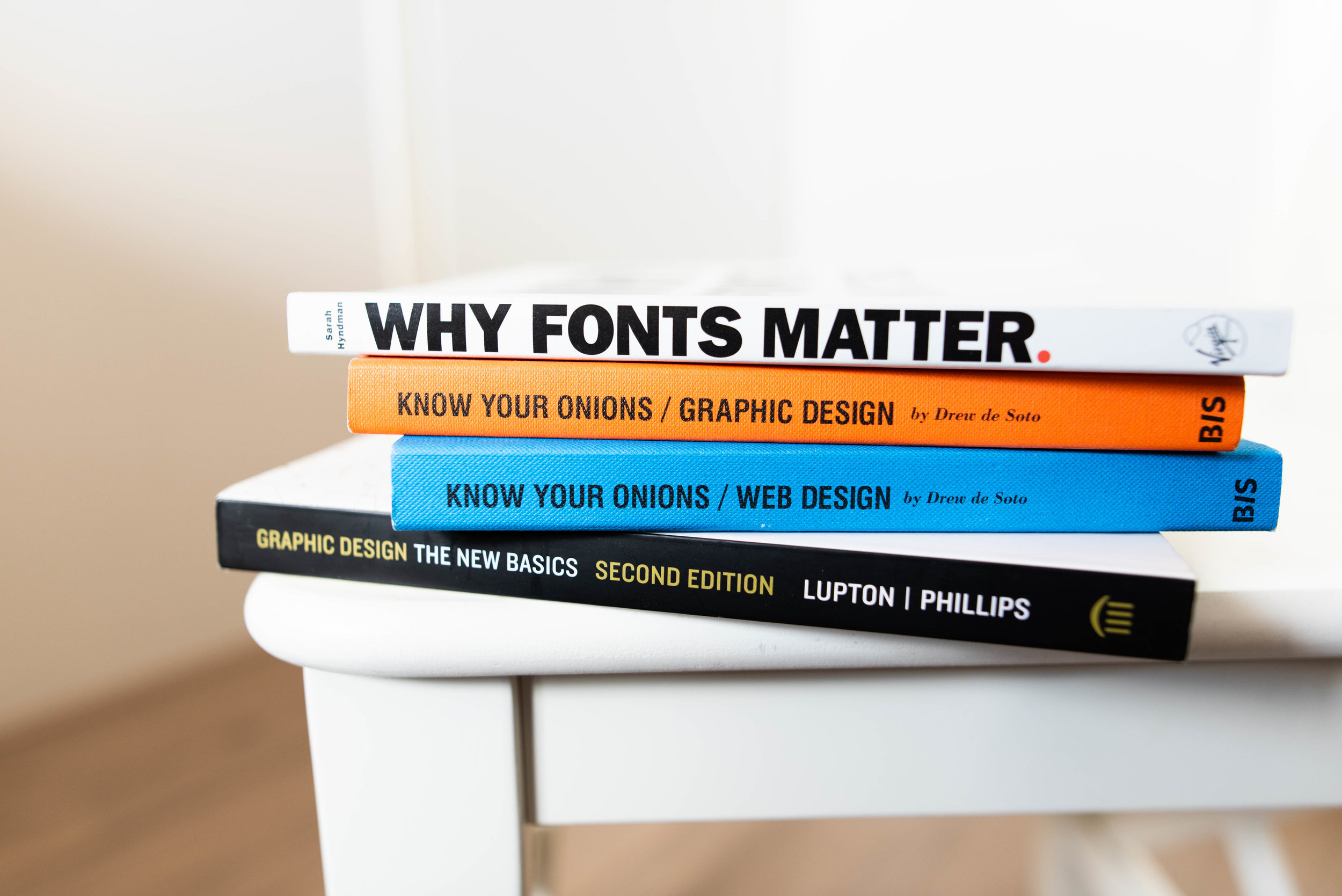
Fonts & Colors Matter
We’ve outlined three basic tips & tricks on how to get started selecting the right fonts and colors for your website.

Holiday Season Gifting: Setting Up Your Squarespace Store For Selling Gift Cards
The holidays are approaching which means if you have an e-commerce store on Squarespace, then it is time to make sure you are all set up for gift cards!

Responsive Squarespace Design On Mobile
Understand responsive design, and choose images that can adapt to the shape of different browsers and devices.

Looking For A Career Switch? Add Your Resumé To Your Squarespace Site
This guide covers various options for adding a resume to your site.

Tips For Creating A Great Logo
This guide offers tips for creating your logo, whether you’re using Squarespace’s logo maker or designing it with other software.

Tips For Creating An Awesome Squarespace Homepage
The exact homepage that works for you will depend on your site, your goals, and your visitors. Read through this guide to get an idea of how you want your homepage to look like.

Guide: Changing Title Formats For SEO
Read on to learn more about seo page titles and all of the different formats!